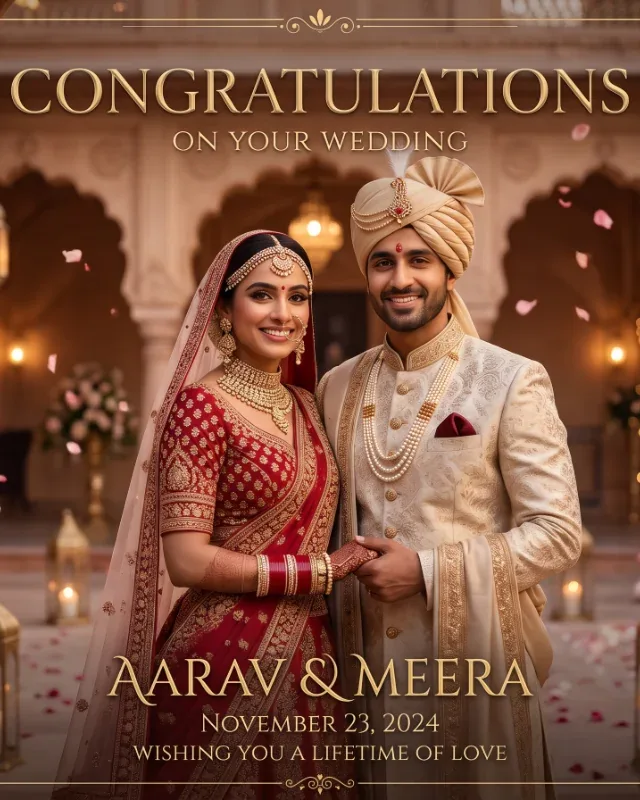
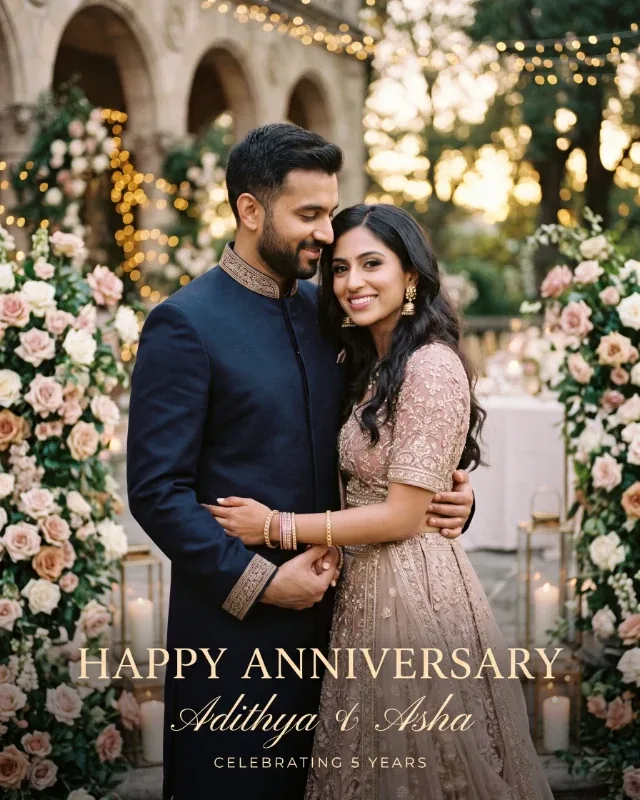
A celebratory palace portrait of an Indian bride and groom with drifting rose petals and space for a message.
The prompt
Create a radiant, photorealistic Indian wedding celebration portrait of a newly married bride and groom in a vertical 4:5 social media format.
Use the supplied individual reference photographs to preserve both the bride's and groom's exact facial identities, facial proportions, skin tones and natural expressions without blending or replacing either face.
Position the bride and groom standing close together in a grand sandstone palace archway, holding hands and smiling warmly toward the camera while soft pink rose petals drift gently around them. Dress the bride in a rich crimson-red and antique-gold embroidered bridal lehenga with traditional gold choker jewellery, maang tikka, red chooda bangles and sheer veil, and dress the groom in a coordinated ivory-and-gold brocade sherwani with pearl mala and traditional turban.
Illuminate the palace courtyard with warm golden chandeliers, glowing floor lanterns, soft floral arrangements and creamy background bokeh across a palette of crimson red, ivory, champagne gold and warm sandstone.
Frame the vertical 4:5 portrait with generous clean, uncluttered architectural space above the couple so a congratulations headline, names and wedding date can be added cleanly afterwards in a design app. Do not generate or render any text, lettering, names, dates, ornamental borders, logos or watermarks in the image.
Maintain realistic human anatomy, natural hands, authentic zari embroidery, natural skin pores and professional full-frame wedding photography in one continuous frame.
#wedding
#congratulations
#rosepetals
#portrait4:5
#negativespace
How to use this prompt
Choose your AI image tool
Open an AI image generator that supports the type of image you want to create.
Add a reference image when needed
Want to recreate a particular photo, pose, composition, outfit or person's appearance? Upload the relevant reference image to your AI tool before using the prompt.
If the prompt describes a completely new image and does not require a visual reference, you can use it without uploading one.
Use a photo you own or have permission to use. Follow the image tool's instructions for attaching reference images.
Copy and paste the prompt
Click "Copy Prompt" and paste the complete prompt into your AI image tool. Follow any specific reference-image instructions included in the prompt.
Generate and refine
Generate your image. If needed, adjust details such as pose, clothing, expression, lighting or background to get the result you want.
Kriyano does not generate images itself — the result always comes from the tool you choose, so review and refine it there.