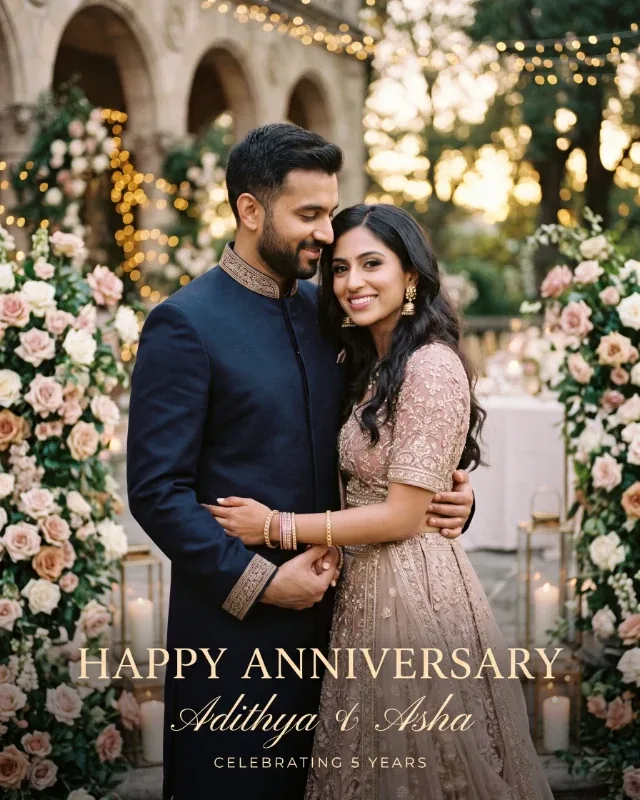
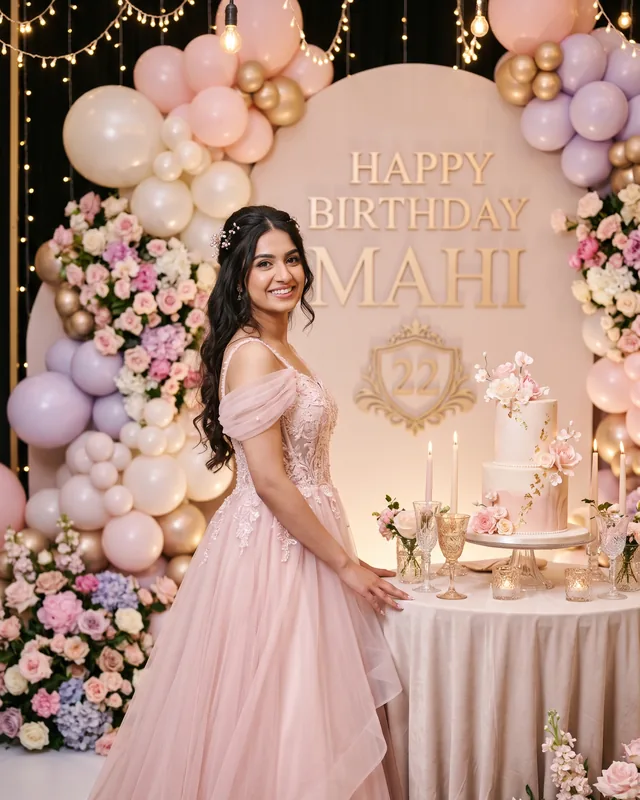
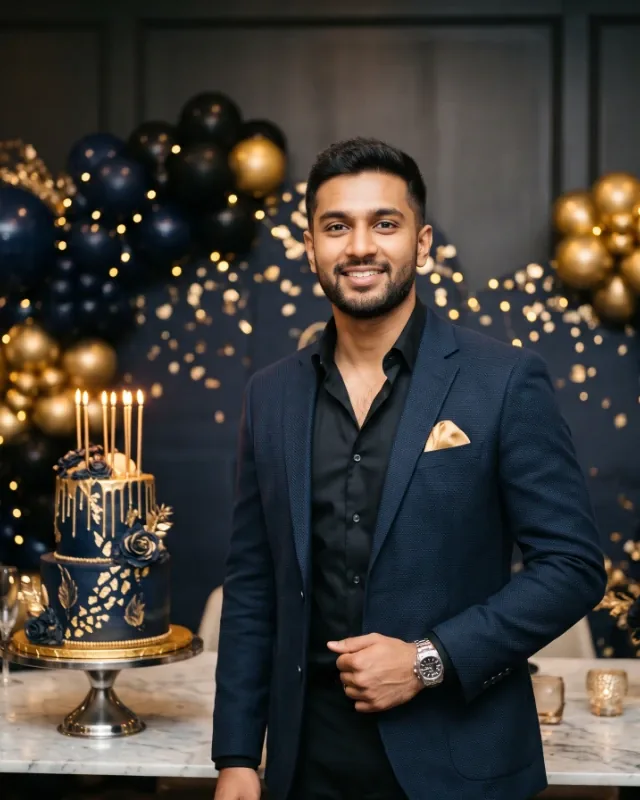
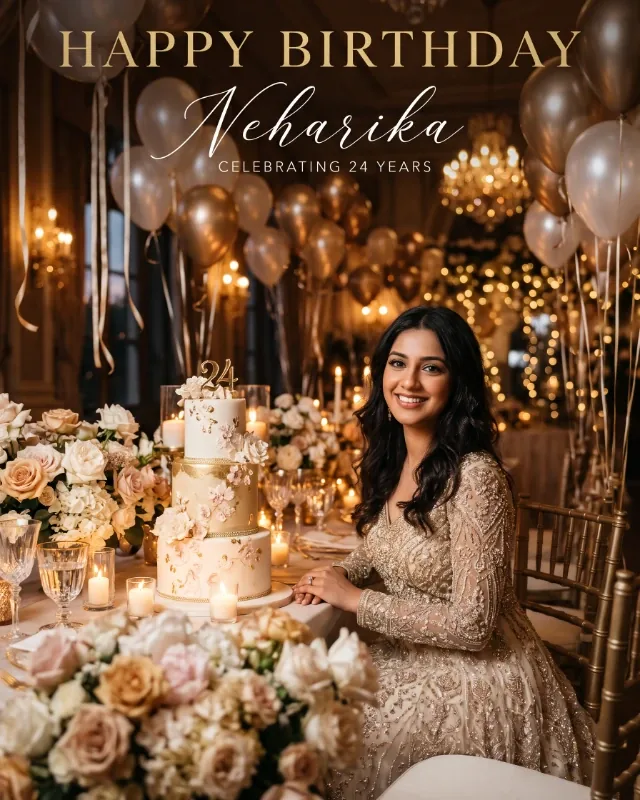
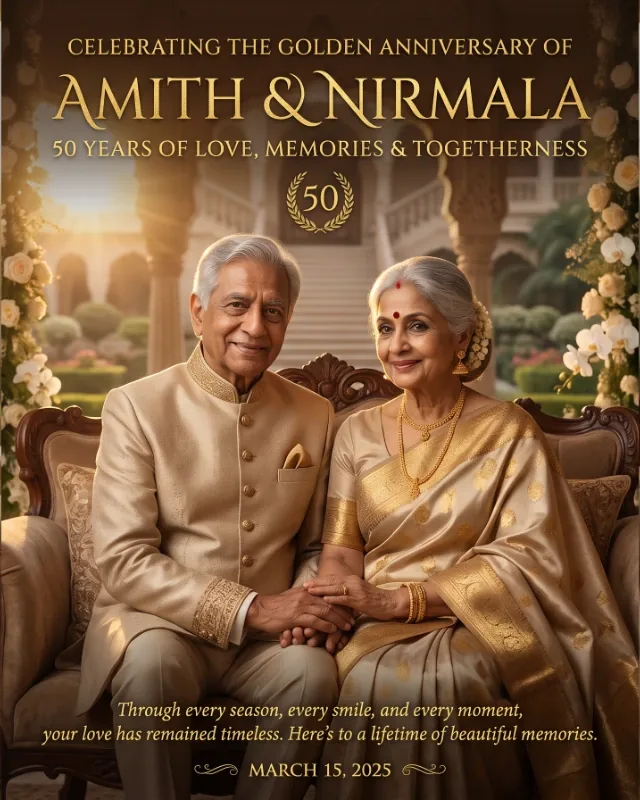
A warm anniversary couple portrait framed by roses and fairy lights, with clean space for a personal message.
The prompt
Create a breathtaking, photorealistic romantic anniversary portrait of an adult Indian couple in a vertical 4:5 social media format, celebrating their bond in an intimate outdoor evening setting.
Use the supplied reference photographs as separate identity sources for both partners. Preserve each person's individual facial identity, face shape, skin tone, hairstyle and natural age appearance without blending, swapping or idealising their features.
Position the couple standing close together in a tender, natural embrace, holding hands with warm, genuine smiles. Dress the man in a tailored deep-navy bandhgala jacket with subtle antique-gold collar and cuff embroidery, and dress the woman in a coordinated dusty-rose or blush embroidered lehenga or Indo-western ensemble with delicate gold jewellery.
Set the scene in an elegant garden courtyard framed by lush blush-and-cream rose pillars, glass floor lanterns with lit candles, softly glowing string lights overhead and warm architectural arches in the blurred background.
Use a harmonious palette of champagne, ivory, dusty rose, midnight navy and warm gold with soft golden-hour and candlelit illumination, keeping both faces bright and naturally exposed.
Compose the vertical 4:5 frame with clean, uncluttered space in the upper or lower area so names, an anniversary milestone or a personal message can be added afterwards in a design app. Do not generate or render any text, headlines, names, dates, numbers, logos or watermarks in the image.
Maintain realistic skin texture, accurate hand anatomy, authentic fabric detail and 85mm portrait-lens depth of field in one continuous photograph.
#anniversary
#couple
#goldenhour
#portrait4:5
#negativespace
How to use this prompt
Choose your AI image tool
Open an AI image generator that supports the type of image you want to create.
Add a reference image when needed
Want to recreate a particular photo, pose, composition, outfit or person's appearance? Upload the relevant reference image to your AI tool before using the prompt.
If the prompt describes a completely new image and does not require a visual reference, you can use it without uploading one.
Use a photo you own or have permission to use. Follow the image tool's instructions for attaching reference images.
Copy and paste the prompt
Click "Copy Prompt" and paste the complete prompt into your AI image tool. Follow any specific reference-image instructions included in the prompt.
Generate and refine
Generate your image. If needed, adjust details such as pose, clothing, expression, lighting or background to get the result you want.
Kriyano does not generate images itself — the result always comes from the tool you choose, so review and refine it there.