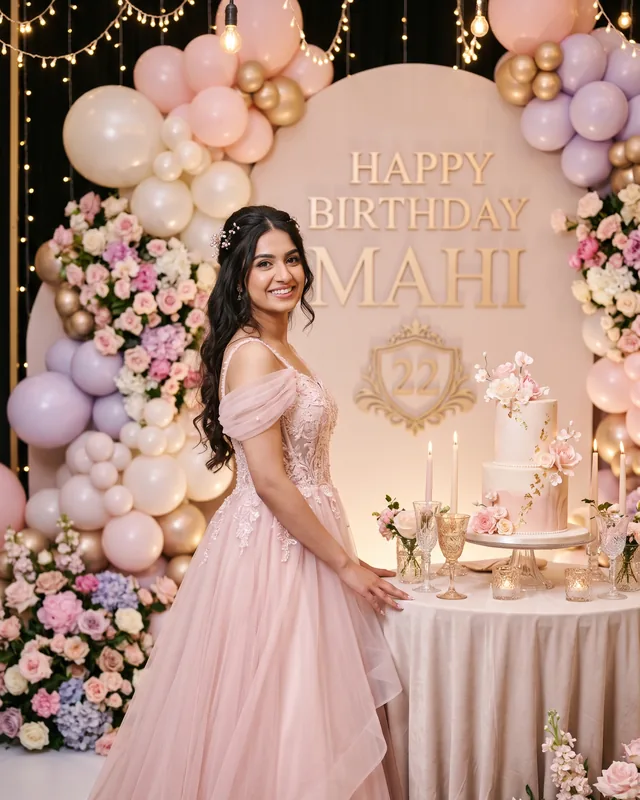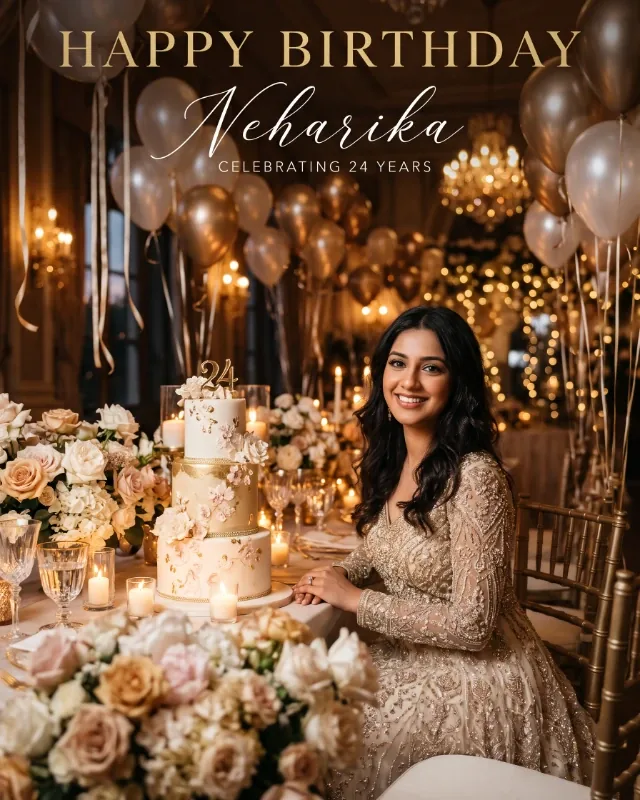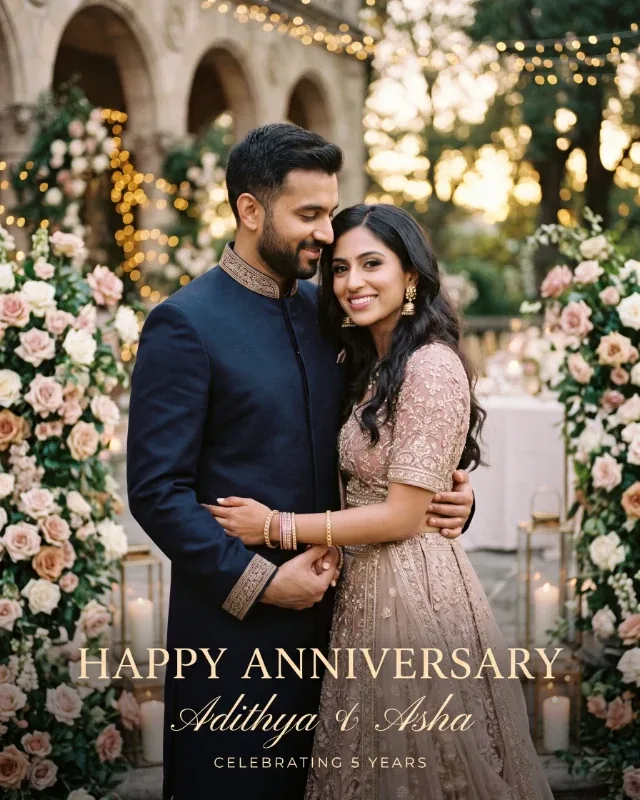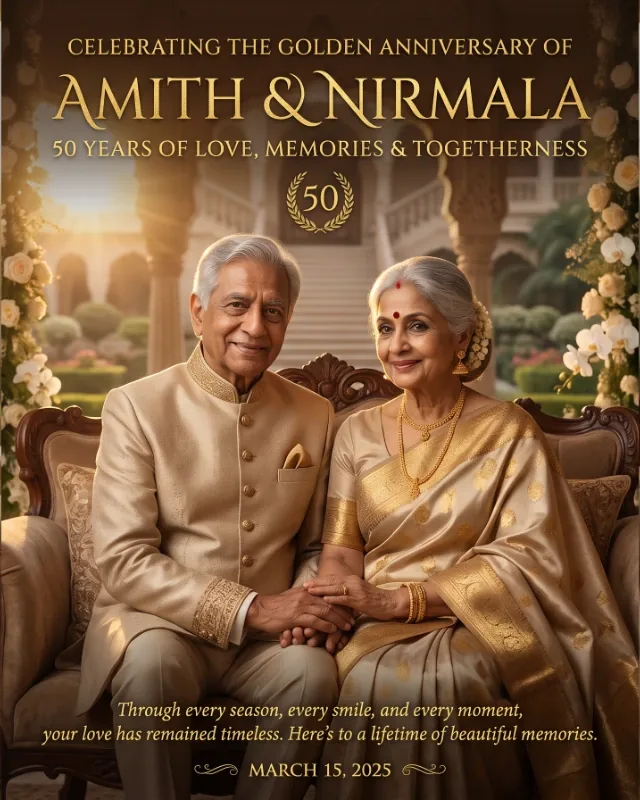
Dreamy Birthday Celebration — cinematic special events AI photo prompt reference
Special EventsCinematic

Dreamy Birthday Celebration

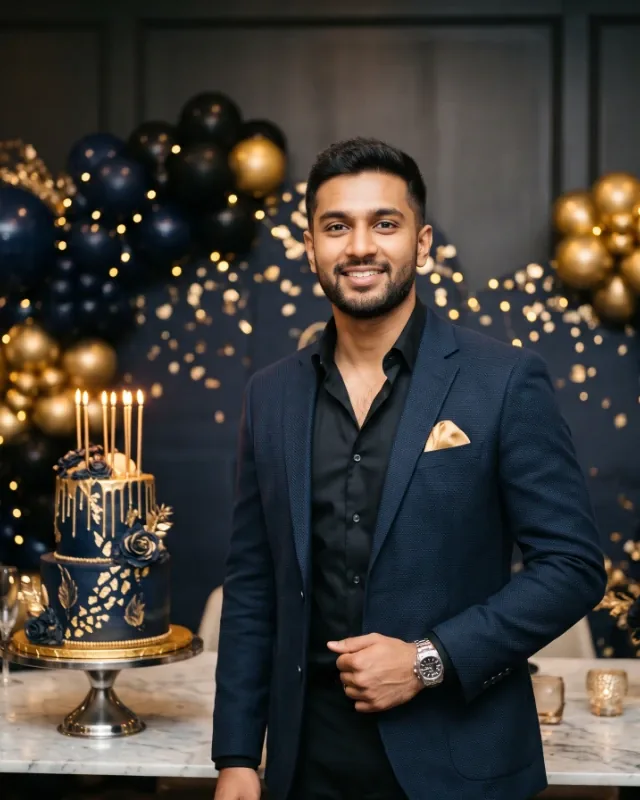
A cinematic birthday portrait of an adult man in navy formalwear beside a candlelit cake, with space for text.

The prompt

Create a sophisticated, dreamy, photorealistic luxury birthday celebration portrait of an adult Indian man, combining modern masculine elegance, refined event styling and a warm cinematic atmosphere in a vertical 4:5 composition. Use the supplied reference photograph as the primary identity source. Preserve the man's original facial identity, face shape, skin tone, hairstyle, facial hair and natural age appearance. Do not replace him with a generic model or artificially alter his facial features. Feature the man prominently in a confident, relaxed standing pose with natural body language and a warm, genuine smile. Dress him in a tailored midnight-navy blazer over a crisp dark shirt or refined formal evening attire. Create an exclusive luxury birthday celebration setting with dark panelled architectural details, coordinated navy, black and champagne-gold balloon arrangements, and a tiered navy-and-gold birthday cake with glowing tall candles on a marble table beside him. Add subtle golden bokeh, warm fairy lights and soft reflections for a realistic celebration atmosphere. Use bright, flattering cinematic portrait lighting with warm candlelit highlights, soft shadows and natural skin tones across a palette of midnight navy, charcoal, champagne gold and ivory. Compose the portrait in a vertical 4:5 social format with generous clean, uncluttered negative space in the upper portion of the frame so a birthday headline, name or age can be added afterwards in a design app. Do not generate or render any letters, words, numbers, names, dates, cake toppers with digits, logos or typography in the image. Use professional full-frame DSLR portrait photography aesthetics, 85mm lens depth of field, realistic anatomy, natural hands, detailed clothing textures and authentic skin detail. Create one single continuous photograph—no collages, split screens, cartoon effects, artificial skin smoothing or watermarks.

  • #birthday
  • #celebration
  • #candlelight
  • #portrait4:5
  • #negativespace

How to use this prompt

  1. Choose your AI image tool

    Open an AI image generator that supports the type of image you want to create.

  2. Add a reference image when needed

    Want to recreate a particular photo, pose, composition, outfit or person's appearance? Upload the relevant reference image to your AI tool before using the prompt.

    If the prompt describes a completely new image and does not require a visual reference, you can use it without uploading one.

    Use a photo you own or have permission to use. Follow the image tool's instructions for attaching reference images.

  3. Copy and paste the prompt

    Click "Copy Prompt" and paste the complete prompt into your AI image tool. Follow any specific reference-image instructions included in the prompt.

  4. Generate and refine

    Generate your image. If needed, adjust details such as pose, clothing, expression, lighting or background to get the result you want.

Kriyano does not generate images itself — the result always comes from the tool you choose, so review and refine it there.