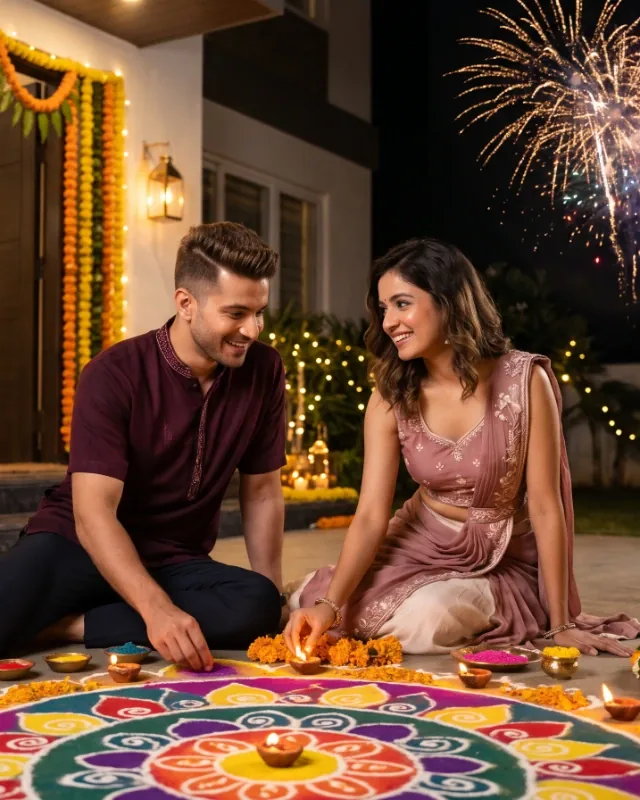
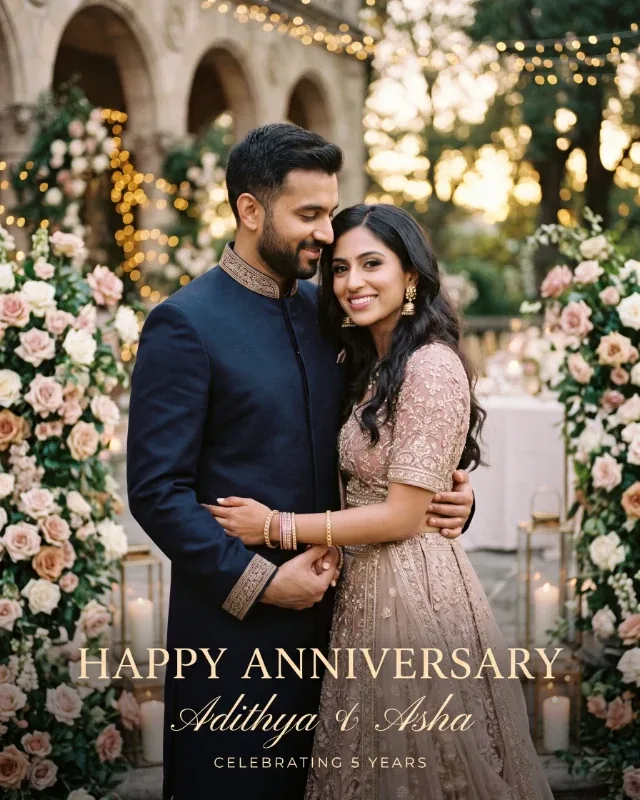
A festive Diwali couple portrait beside a glowing rangoli and fireworks, with clean space for your greeting.
The prompt
Create a vibrant, photorealistic cinematic Diwali couple portrait of a young adult Indian couple in a vertical 4:5 format, celebrating outside their illuminated home.
Use the supplied individual reference photographs to preserve both partners' exact facial identities, skin tones, hairstyles and joyful expressions independently, without merging or altering their faces.
Show the couple kneeling side by side beside a large, symmetrical colourful rangoli on a courtyard patio, exchanging a warm, candid smile as the man places coloured rangoli powder and the woman lights a clay diya surrounded by marigold petals. Dress the man in a rich maroon embroidered short kurta with dark tailored trousers, and dress the woman in a dusty-rose embroidered contemporary lehenga or draped fusion saree with delicate bangles.
Frame the background with a marigold-draped home entrance, warm glowing lanterns, twinkling fairy lights and golden fireworks bursting softly in the night sky.
Compose the vertical 4:5 image so the dark night sky and upper background leave clean, uncluttered space for adding a festive greeting afterwards in a design app. Do not generate or render any text, lettering, names, years, logos or watermarks anywhere in the image.
Balance the warm golden glow of the diyas with flattering facial illumination, natural skin tones, accurate hands and crisp cinematic depth of field in one continuous photograph.
#festival
#greetingpost
#rangoli
#portrait4:5
#negativespace
How to use this prompt
Choose your AI image tool
Open an AI image generator that supports the type of image you want to create.
Add a reference image when needed
Want to recreate a particular photo, pose, composition, outfit or person's appearance? Upload the relevant reference image to your AI tool before using the prompt.
If the prompt describes a completely new image and does not require a visual reference, you can use it without uploading one.
Use a photo you own or have permission to use. Follow the image tool's instructions for attaching reference images.
Copy and paste the prompt
Click "Copy Prompt" and paste the complete prompt into your AI image tool. Follow any specific reference-image instructions included in the prompt.
Generate and refine
Generate your image. If needed, adjust details such as pose, clothing, expression, lighting or background to get the result you want.
Kriyano does not generate images itself — the result always comes from the tool you choose, so review and refine it there.