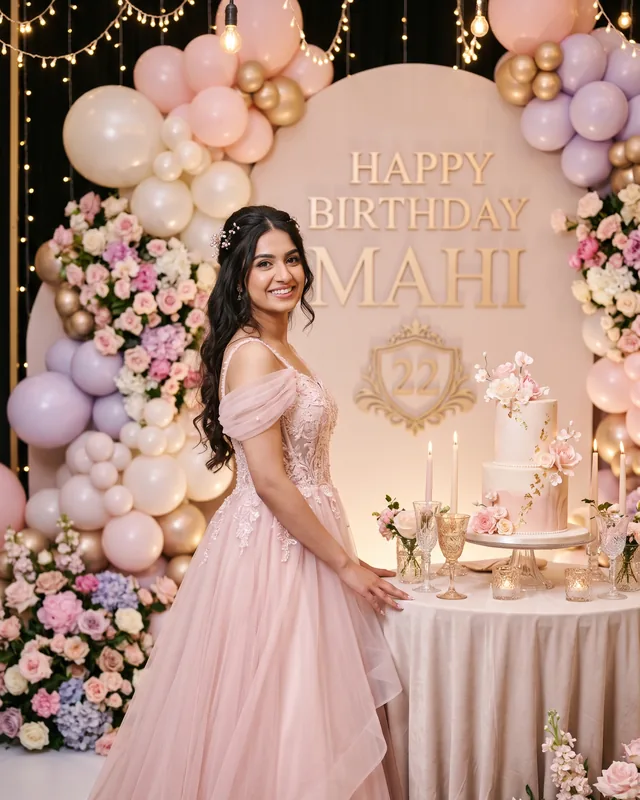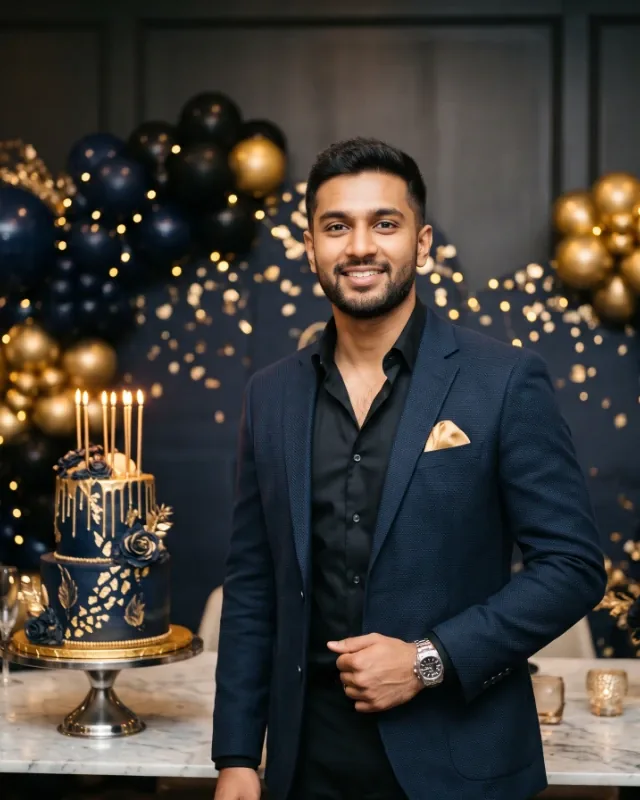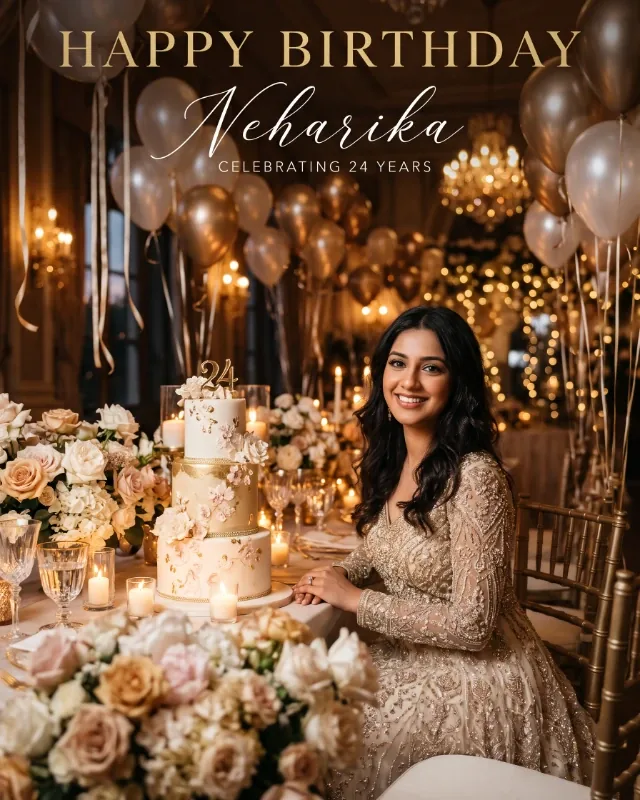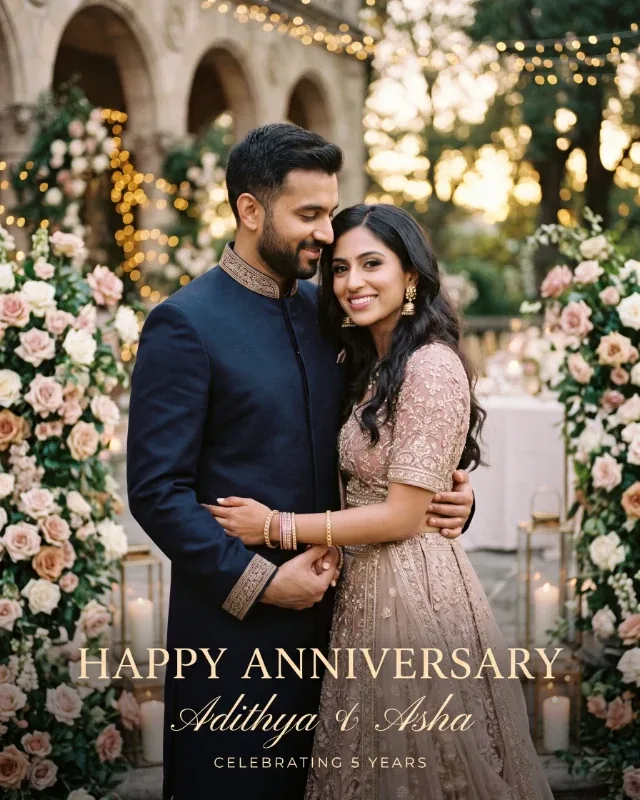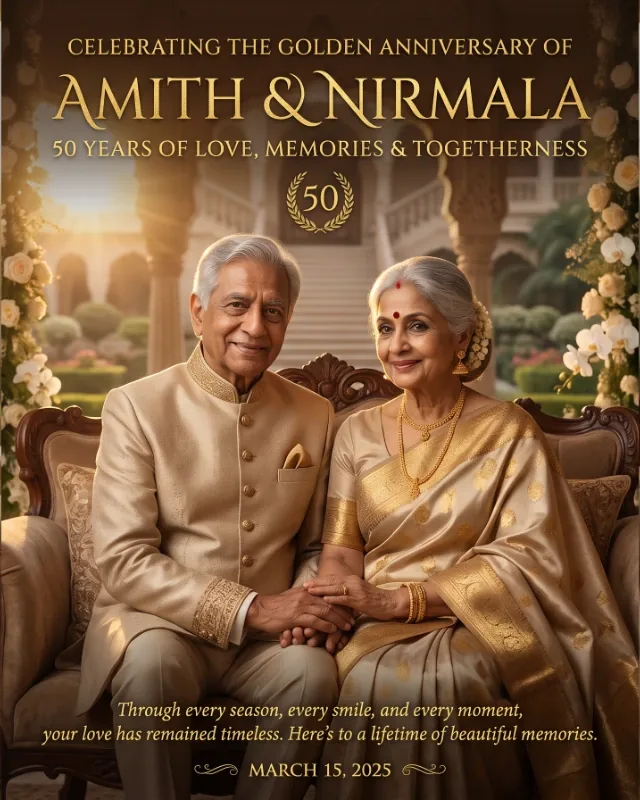
Golden Anniversary Memories — cinematic special events AI photo prompt reference
Special EventsCinematic

Golden Anniversary Memories

A dignified golden-hour portrait of an older Indian couple in ivory and gold, with space for a milestone note.

The prompt

Create a dignified, emotionally rich, photorealistic milestone anniversary portrait of an older Indian couple in a vertical 4:5 format, celebrating a lifetime of shared warmth and companionship. Use the supplied reference photographs to preserve both partners' exact individual facial identities, face shapes, natural silver-grey hair, skin tones and mature age appearances without merging, swapping or artificially smoothing their features. Show the couple seated side by side on a carved wooden sofa, holding hands affectionately with calm, joyful smiles. Dress the man in an ivory-gold silk bandhgala jacket with subtle embroidered cuffs and matching trousers, and dress the woman in a luminous champagne-and-gold silk saree with traditional gold jewellery, bangles, a small red bindi and white jasmine flowers in her hair. Place them inside a sunlit heritage veranda or palace hall with carved sandstone pillars, soft white-and-cream floral arrangements on either side, and warm golden late-afternoon light streaming gently from behind. Use a timeless palette of antique gold, champagne, ivory, warm beige and soft bronze with professional portrait lighting, gentle shadows and creamy depth of field. Leave generous, calm negative space across the upper third of the vertical 4:5 composition so milestone names, dates or a tribute message can be added afterwards in a design tool. Do not generate or render any text, headlines, numerals, emblems, crests, dates, captions, logos or watermarks anywhere in the image. Capture authentic skin detail, natural hand placement, rich silk weaves and medium-format editorial portrait quality in one single continuous frame, with no collages, inset photo frames or split panels.

  • #anniversary
  • #milestone
  • #oldercouple
  • #portrait4:5
  • #negativespace

How to use this prompt

  1. Choose your AI image tool

    Open an AI image generator that supports the type of image you want to create.

  2. Add a reference image when needed

    Want to recreate a particular photo, pose, composition, outfit or person's appearance? Upload the relevant reference image to your AI tool before using the prompt.

    If the prompt describes a completely new image and does not require a visual reference, you can use it without uploading one.

    Use a photo you own or have permission to use. Follow the image tool's instructions for attaching reference images.

  3. Copy and paste the prompt

    Click "Copy Prompt" and paste the complete prompt into your AI image tool. Follow any specific reference-image instructions included in the prompt.

  4. Generate and refine

    Generate your image. If needed, adjust details such as pose, clothing, expression, lighting or background to get the result you want.

Kriyano does not generate images itself — the result always comes from the tool you choose, so review and refine it there.