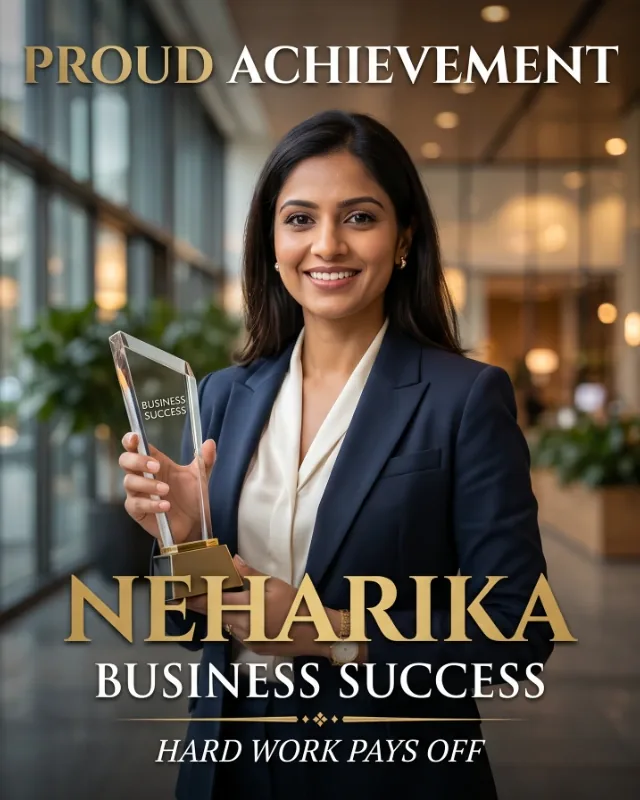
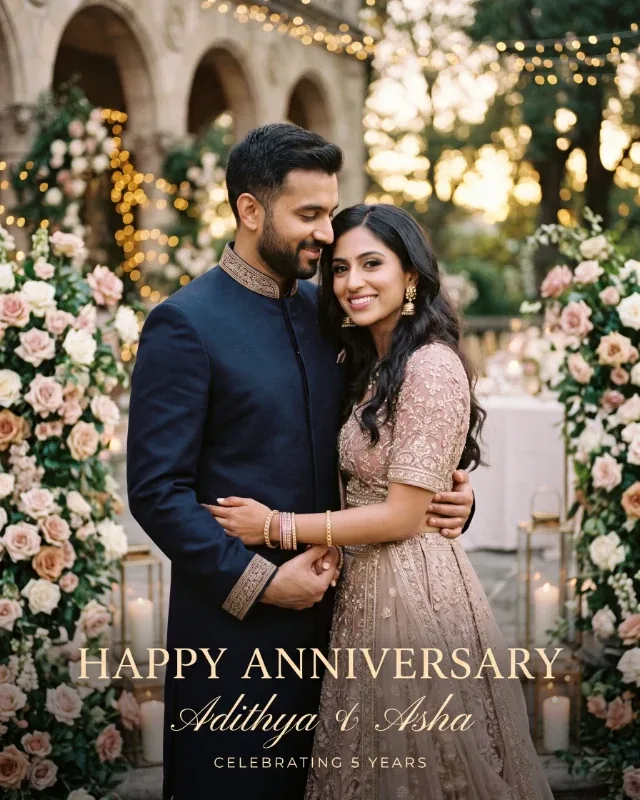
A polished milestone portrait in tailored formalwear with a crystal award and clean space for your caption.
The prompt
Create a polished, photorealistic professional achievement portrait of an adult in a vertical 4:5 social media format, celebrating a career promotion, award or personal milestone.
Use the supplied reference photograph as the authoritative identity source, preserving the person's exact facial identity, skin tone, hairstyle and composed, genuinely proud smile without artificial face changes.
Dress the subject in smart tailored formalwear, such as a deep-navy blazer over an ivory silk blouse or crisp dress shirt. Capture a waist-up portrait in a refined modern atrium or executive lobby with warm architectural lighting, indoor greenery and soft golden bokeh behind them, holding a sleek, unlabelled crystal glass trophy naturally.
Use a sophisticated palette of deep navy, ivory, champagne gold and warm neutral stone with flattering directional daylight, soft highlights and natural skin tones.
Compose the vertical 4:5 frame with clean, uncluttered space in the upper or lower area so a milestone title, name and personal message can be added afterwards in a design tool. Do not generate or render any text, headlines, engraved trophy words, names, dates, logos or watermarks anywhere in the image.
Maintain realistic skin pores, accurate finger placement on the glass award, crisp tailoring textures and 85mm corporate-editorial depth of field in one continuous photograph.
#achievement
#celebration
#milestone
#portrait4:5
#negativespace
How to use this prompt
Choose your AI image tool
Open an AI image generator that supports the type of image you want to create.
Add a reference image when needed
Want to recreate a particular photo, pose, composition, outfit or person's appearance? Upload the relevant reference image to your AI tool before using the prompt.
If the prompt describes a completely new image and does not require a visual reference, you can use it without uploading one.
Use a photo you own or have permission to use. Follow the image tool's instructions for attaching reference images.
Copy and paste the prompt
Click "Copy Prompt" and paste the complete prompt into your AI image tool. Follow any specific reference-image instructions included in the prompt.
Generate and refine
Generate your image. If needed, adjust details such as pose, clothing, expression, lighting or background to get the result you want.
Kriyano does not generate images itself — the result always comes from the tool you choose, so review and refine it there.