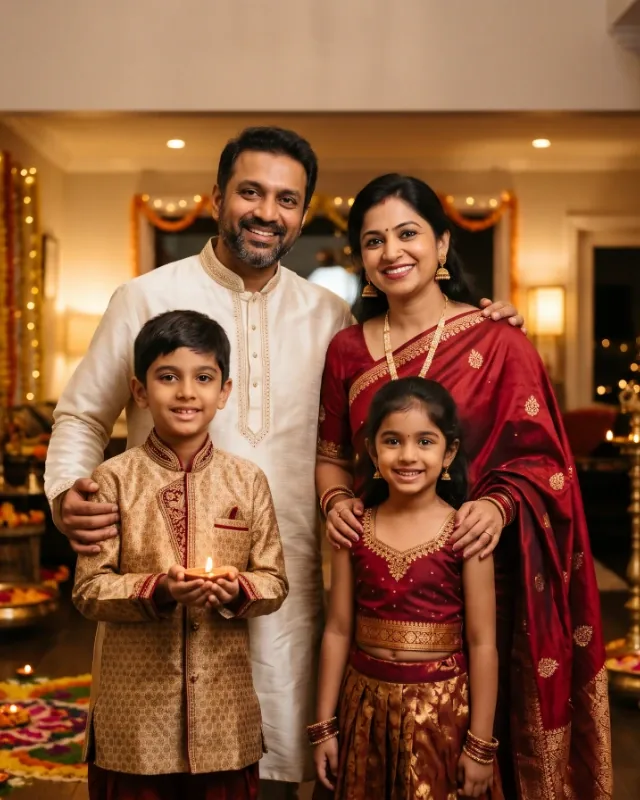
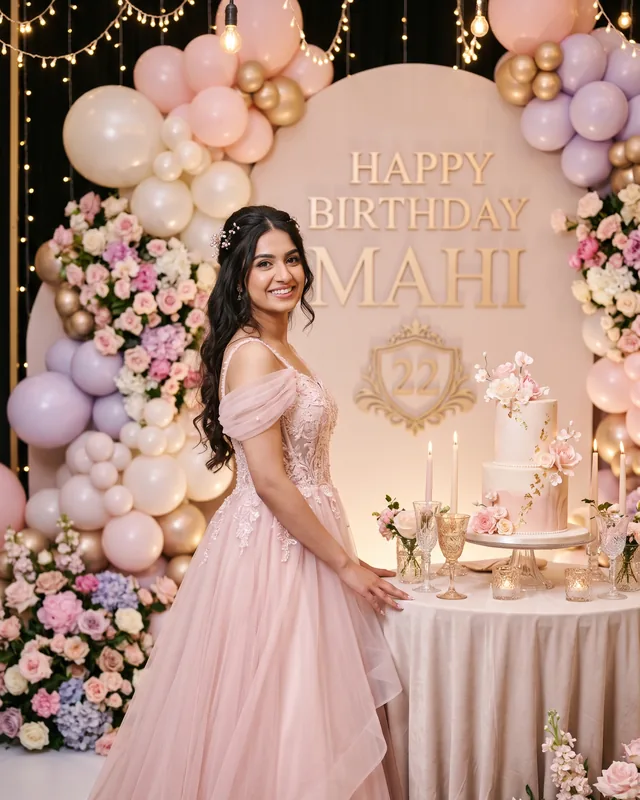
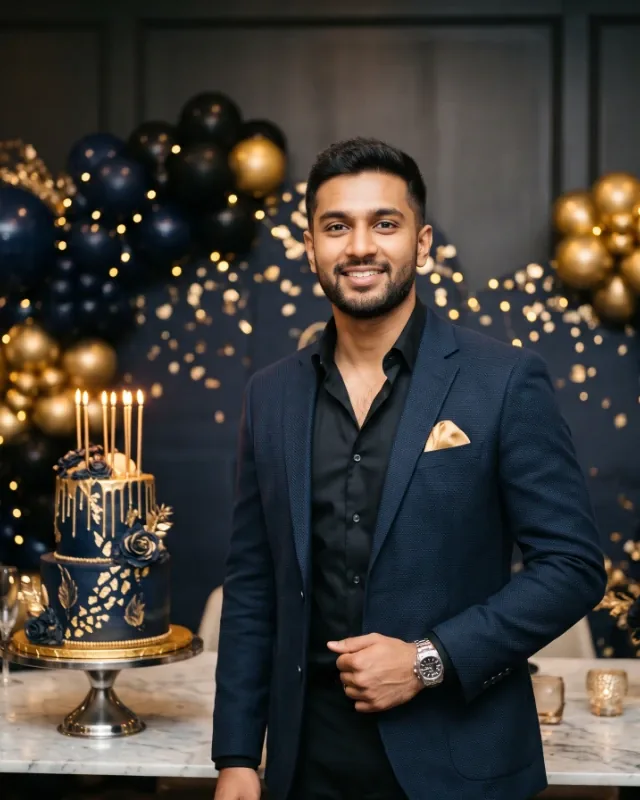
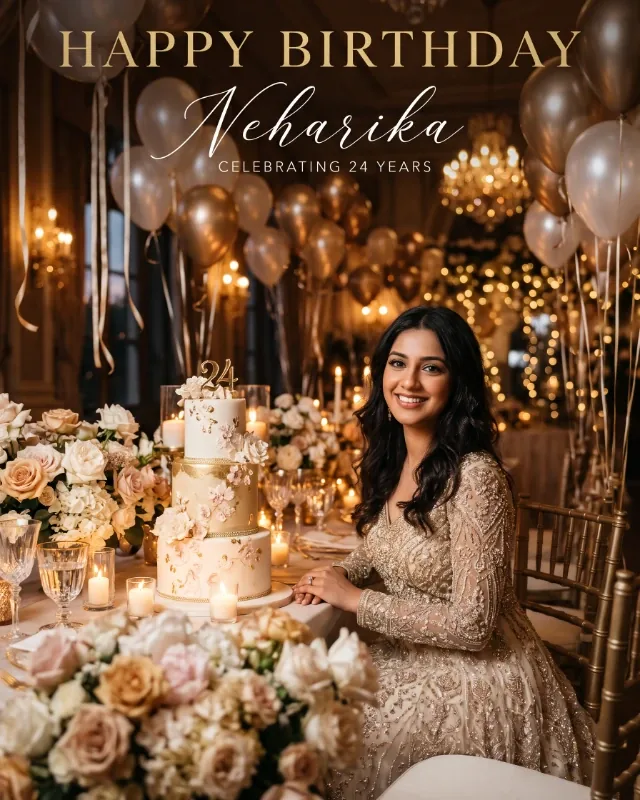
A warm traditional Indian family Diwali portrait with diyas, marigolds and clean upper space for a greeting.
The prompt
Create a warm, photorealistic Indian family portrait celebrating Diwali in a vertical 4:5 social media format, featuring two adult parents and two children together in a festively decorated home.
Use the supplied individual reference photographs as the identity sources: preserve each supplied family member's distinct facial identity, face shape, skin tone, hairstyle and natural age appearance, without blending or swapping features between family members.
Dress the father in a refined ivory silk kurta with subtle gold trim, the mother in a deep crimson-red silk saree with delicate gold zari embroidery and traditional gold jhumkas, and the children in coordinated gold-and-maroon festive ethnic wear. Arrange the family standing closely together with the parents just behind the children, all smiling warmly toward the camera while one parent carefully holds a glowing clay diya at chest height.
Set the scene inside a warm Indian home doorway decorated with marigold garlands, glowing brass lamps, fairy lights and a colourful rangoli softly visible in the background.
Frame from knee level upward in a vertical 4:5 composition, leaving a calm, uncluttered wall area across the upper portion of the frame so a festive greeting can be added afterwards in a design app. Do not generate or render any text, lettering, captions, logos or watermarks in the image.
Use warm golden ambient diya light balanced with soft portrait lighting, realistic skin texture, anatomically accurate hands and 85mm family-portrait depth of field in one continuous photograph.
#festival
#family
#traditional
#portrait4:5
#negativespace
How to use this prompt
Choose your AI image tool
Open an AI image generator that supports the type of image you want to create.
Add a reference image when needed
Want to recreate a particular photo, pose, composition, outfit or person's appearance? Upload the relevant reference image to your AI tool before using the prompt.
If the prompt describes a completely new image and does not require a visual reference, you can use it without uploading one.
Use a photo you own or have permission to use. Follow the image tool's instructions for attaching reference images.
Copy and paste the prompt
Click "Copy Prompt" and paste the complete prompt into your AI image tool. Follow any specific reference-image instructions included in the prompt.
Generate and refine
Generate your image. If needed, adjust details such as pose, clothing, expression, lighting or background to get the result you want.
Kriyano does not generate images itself — the result always comes from the tool you choose, so review and refine it there.