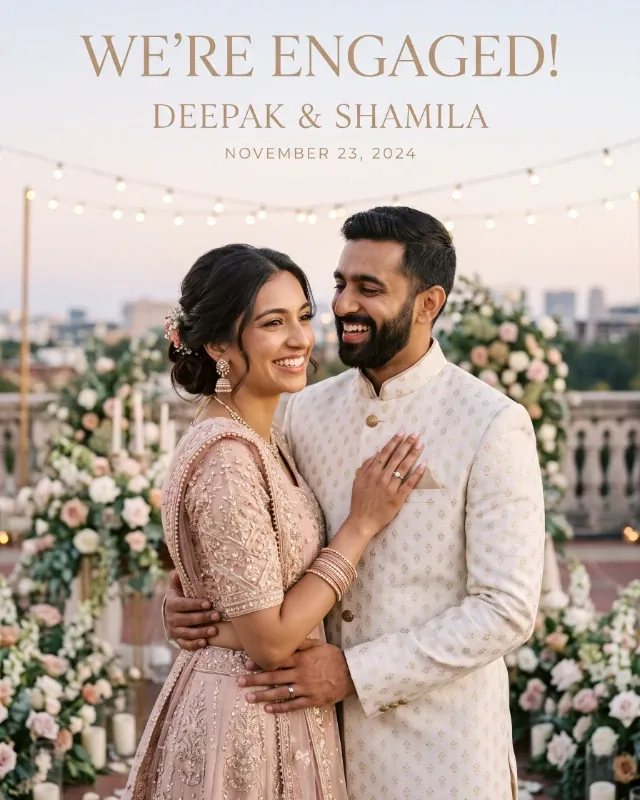
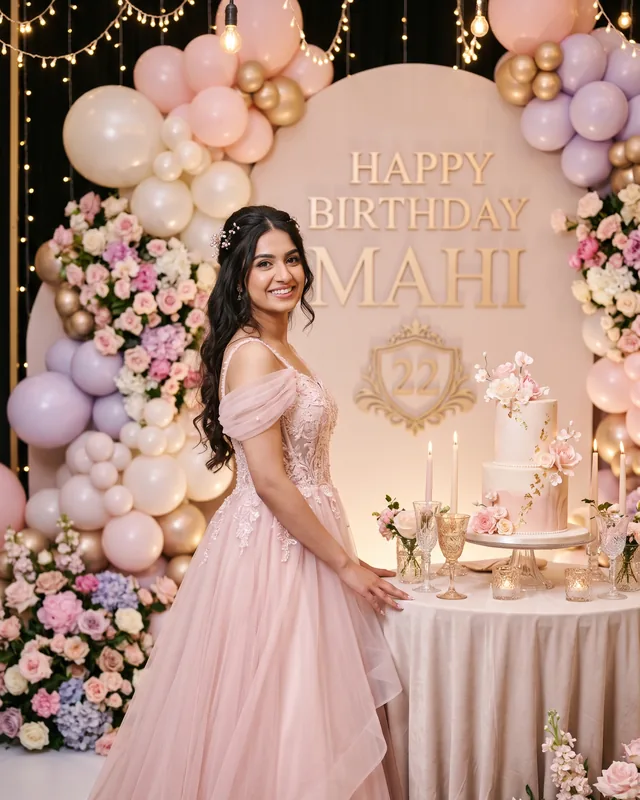
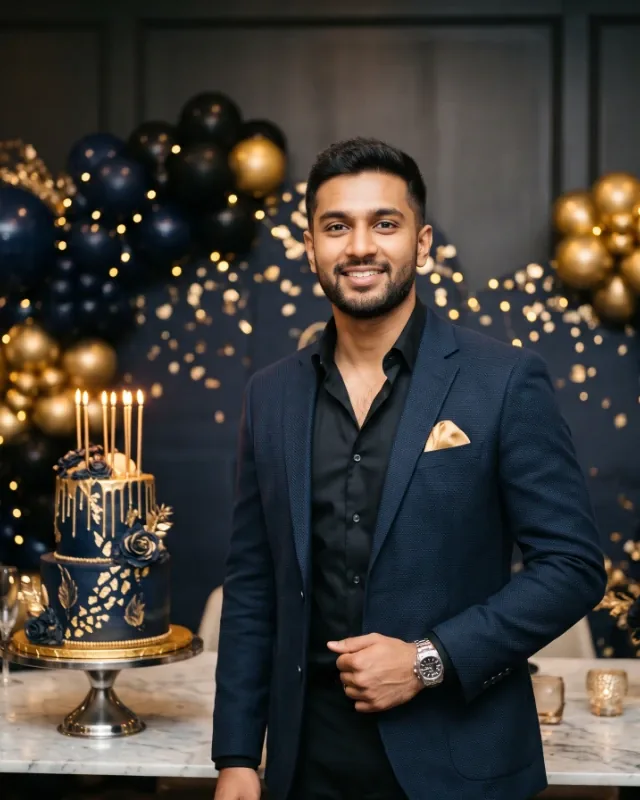
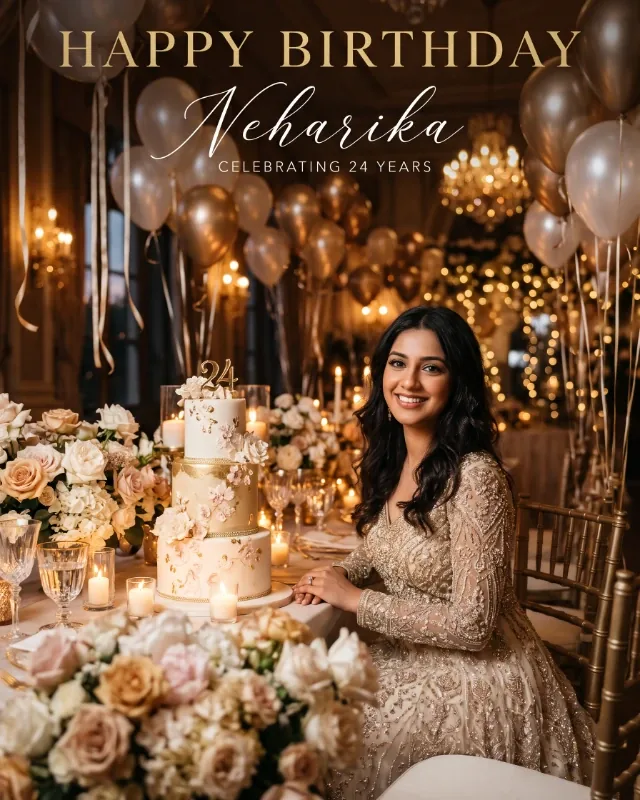
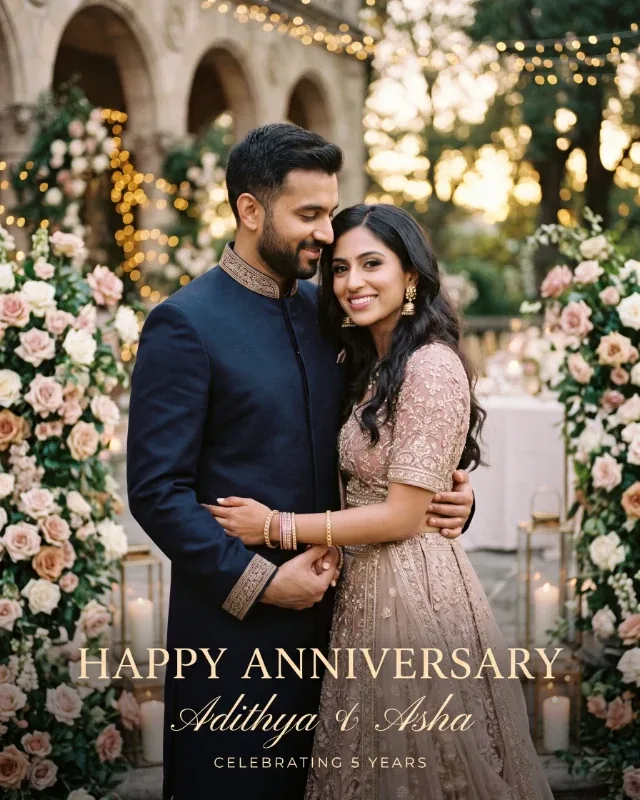
A joyful rooftop engagement portrait of an Indian couple at dusk, framed in 4:5 with upper space for dates.
The prompt
Create a joyful, photorealistic Indian engagement announcement portrait of an adult couple in a vertical 4:5 social media format.
Use the supplied individual reference photographs as authoritative identity sources, keeping the woman's and man's facial identities, skin tones, hairstyles and expressions completely distinct, natural and recognisable.
Capture a candid, affectionate rooftop moment at dusk: the couple stands close together smiling warmly at each other, with the woman's left hand resting naturally on the man's chest so her engagement ring is clearly visible and sharply focused. Dress the woman in a dusty-blush embroidered lehenga with traditional jhumka earrings and bangles, and dress the man in a coordinated ivory patterned bandhgala sherwani.
Set the scene on an open-air heritage or rooftop terrace decorated with blush-and-white floral arrangements, glowing pillar candles, delicate overhead festoon string lights and a softly blurred city skyline against a pastel evening sky.
Compose the couple in the lower two-thirds of the vertical 4:5 frame, leaving the open pastel sky across the upper third as clean, uncluttered negative space so an announcement headline, names and date can be added afterwards in a design app. Do not generate or render any text, letters, names, dates, logos or watermarks anywhere in the image.
Use soft golden-hour dusk lighting, realistic skin texture, anatomically accurate hands and jewellery reflections, and professional 85mm wedding-editorial photography in one single continuous image.
#engagement
#announcement
#couple
#portrait4:5
#negativespace
How to use this prompt
Choose your AI image tool
Open an AI image generator that supports the type of image you want to create.
Add a reference image when needed
Want to recreate a particular photo, pose, composition, outfit or person's appearance? Upload the relevant reference image to your AI tool before using the prompt.
If the prompt describes a completely new image and does not require a visual reference, you can use it without uploading one.
Use a photo you own or have permission to use. Follow the image tool's instructions for attaching reference images.
Copy and paste the prompt
Click "Copy Prompt" and paste the complete prompt into your AI image tool. Follow any specific reference-image instructions included in the prompt.
Generate and refine
Generate your image. If needed, adjust details such as pose, clothing, expression, lighting or background to get the result you want.
Kriyano does not generate images itself — the result always comes from the tool you choose, so review and refine it there.