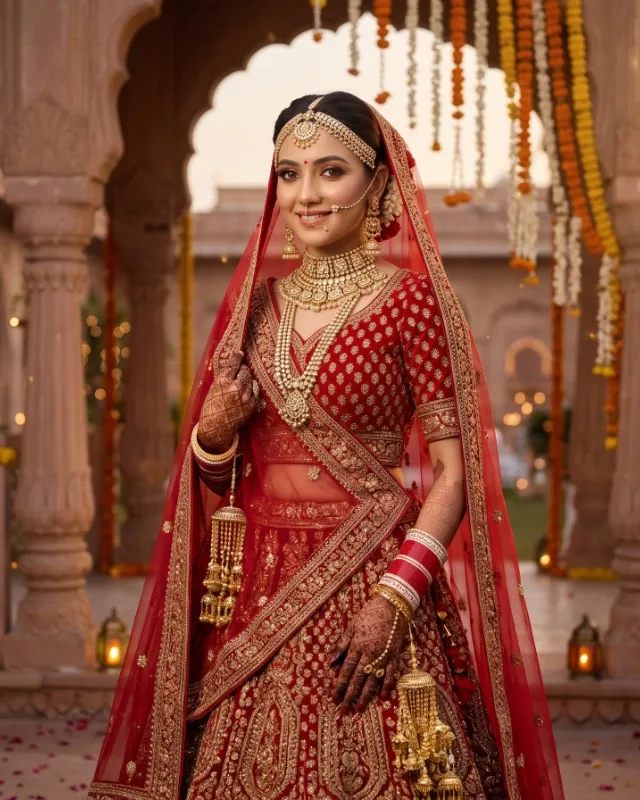
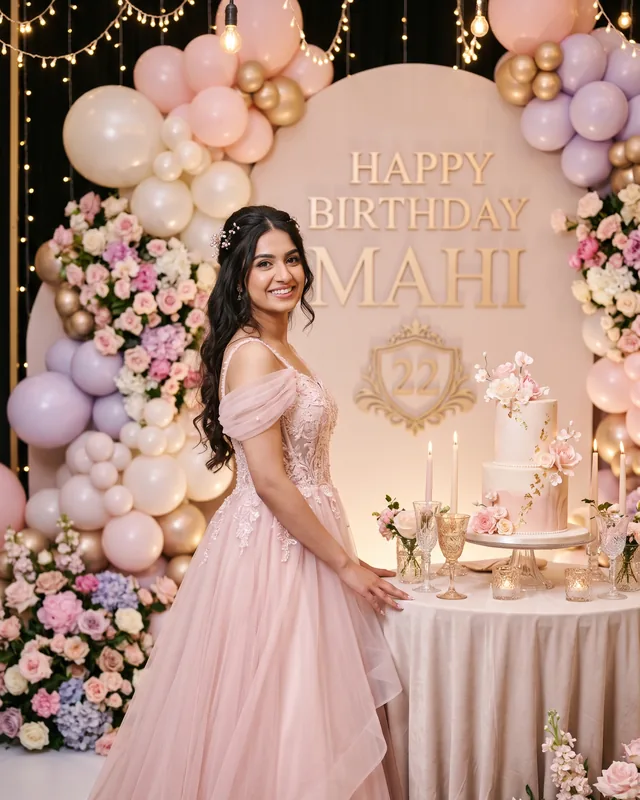
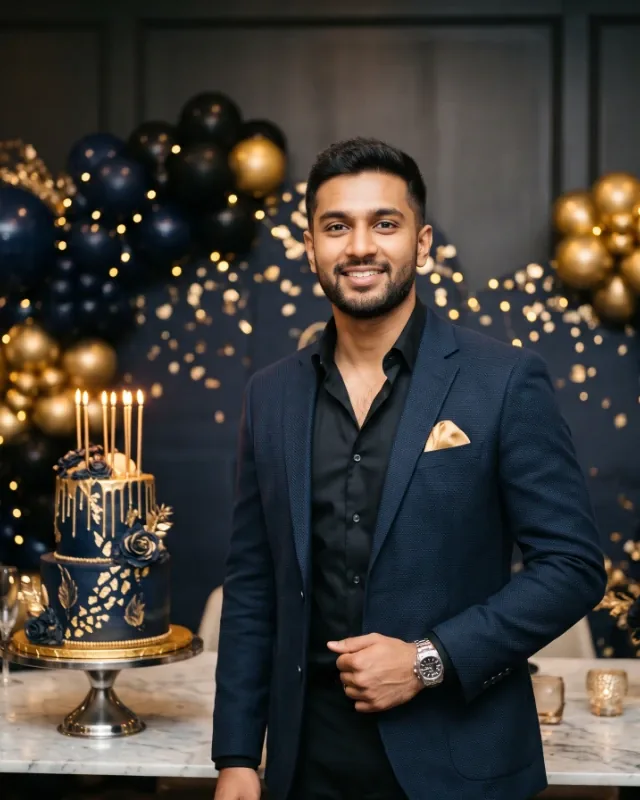
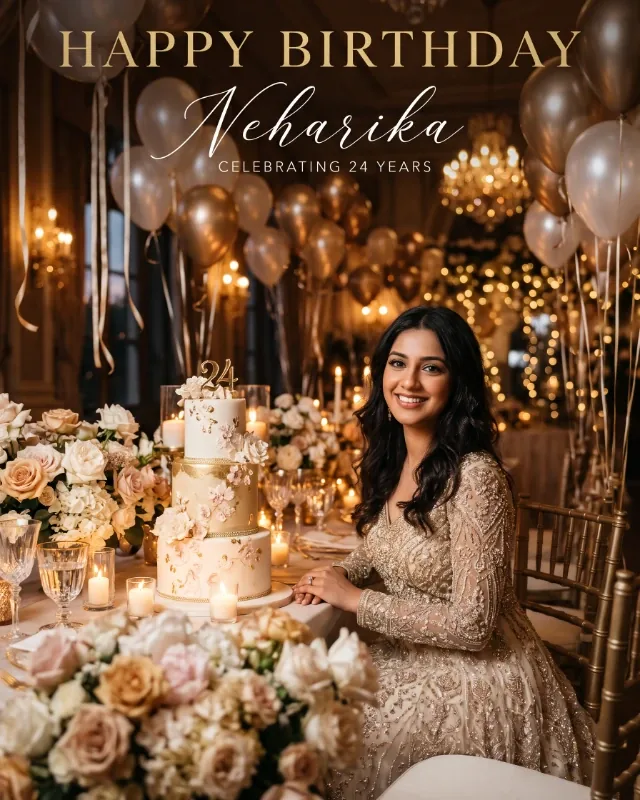
A radiant Indian bridal portrait in a crimson lehenga and gold jewellery beneath a flower-draped archway.
The prompt
Create an extraordinarily detailed, photorealistic Indian bridal celebration portrait of an adult woman in a vertical 4:5 composition.
Use the supplied reference photograph as the authoritative identity source, preserving the bride's exact facial structure, eyes, nose, lips, skin tone and natural age appearance without replacing her with a generic model or applying heavy beauty filters.
Dress the bride in a rich crimson-red velvet and silk bridal lehenga featuring intricate antique-gold zari embroidery, a sheer embroidered dupatta draped gracefully over her head, layered kundan and gold necklaces, jhumka earrings, matha patti, nath, henna-adorned hands, red bangles and golden kalire.
Place her beneath a carved sandstone palace archway decorated with marigold and jasmine floral garlands and softly glowing brass lanterns in the background. Capture a poised, radiant three-quarter standing portrait with warm golden-hour sunlight illuminating her face, jewellery and embroidery.
Compose the vertical 4:5 frame with clean, uncluttered space in the upper arch area so a name, wedding date or bridal note can be added afterwards in a design tool. Do not generate or render any text, names, dates, captions, logos or watermarks anywhere in the image.
Use professional medium-format bridal editorial photography, 85mm shallow depth of field, authentic fabric drape, anatomically accurate hands and natural skin texture in one single continuous image.
#bridal
#wedding
#traditional
#portrait4:5
#negativespace
How to use this prompt
Choose your AI image tool
Open an AI image generator that supports the type of image you want to create.
Add a reference image when needed
Want to recreate a particular photo, pose, composition, outfit or person's appearance? Upload the relevant reference image to your AI tool before using the prompt.
If the prompt describes a completely new image and does not require a visual reference, you can use it without uploading one.
Use a photo you own or have permission to use. Follow the image tool's instructions for attaching reference images.
Copy and paste the prompt
Click "Copy Prompt" and paste the complete prompt into your AI image tool. Follow any specific reference-image instructions included in the prompt.
Generate and refine
Generate your image. If needed, adjust details such as pose, clothing, expression, lighting or background to get the result you want.
Kriyano does not generate images itself — the result always comes from the tool you choose, so review and refine it there.